Best Project Management Software Tools in 2026: The Only Guide IT Teams Need
Cut project chaos without adding more meetings. Discover how agencies can streamline workflows, improve collaboration, and boost productivity with smarter management
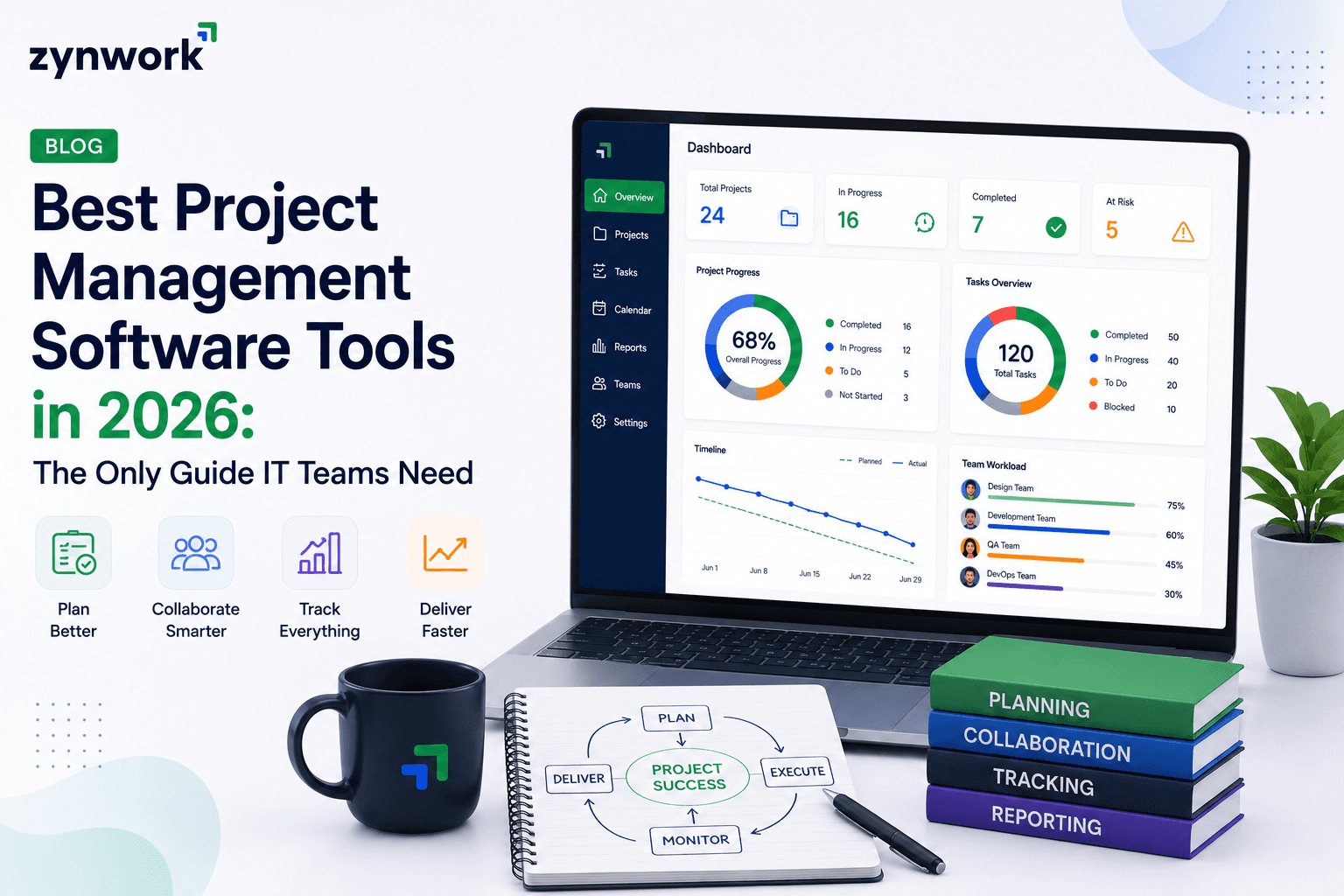
The Real Problem with Most PM Tools
Be honest. How many tabs does your IT team have open right now?
There's Jira for tasks, Slack for updates, a spreadsheet for budgets, and maybe a shared Google Doc that nobody has touched in two weeks. Sound familiar?
This is exactly the kind of "tool soup" that slows teams down. You end up spending more time managing your tools than actually managing your projects. And by the time something goes over budget or a deadline slips, it's usually too late to fix it.
That's why picking the right project management software tools matters more than ever in 2026. Not just a task list with pretty colors but something that actually connects your planning, your people, and your money in one place.
That's exactly what Zynwork was built to solve. But before we get there, let's look at what IT teams actually need from a PM tool and how the top options stack up.
What to Look for in a PM Tool (If You're in IT)
Not all project management tools are built the same. A tool that works great for a marketing team might fall apart the moment an IT team tries to run a multi-sprint, multi-budget, cross-team delivery on it.
Here's what actually matters for IT and tech teams:
Sprint and agile planning support — You need proper sprint flow, not just a checklist.
Real-time budget visibility — Knowing your burn rate before it burns you.
Resource capacity planning — So you stop overloading your best engineers.
Automated reporting — Because nobody should spend Fridays manually pulling reports.
Integrations — It has to talk to the tools you already use.
Did You Know? According to PMI, organizations that undervalue project management report an average of 67% more projects failing. The right tool is not optional it's infrastructure.
Top Project Management Software Tools in 2026
Let's walk through the most-used options IT teams are choosing right now and what each one is actually good at.
1. Zynwork
This is the best IT project management software for teams that are tired of duct-taping five tools together. Zynwork connects sprint planning, live budget tracking, resource capacity, and automated timesheets all in one platform. It's AI-powered too, which means it can predict when a sprint is heading off-track before it actually does.
Live budget alerts tied to individual tasks
AI-powered sprint failure predictions
Automated timesheet syncing (no more chasing people)
50+ integrations with tools like Slack, Keka, and more
Plans start at just $4/user/month
2. Jira
Jira is the industry standard for agile development. It's powerful, deeply customizable, and widely used. But it has a steep learning curve, and budget tracking is not its strength you'll likely need Tempo or another add-on for that.
3. Asana
Asana is clean, easy to use, and great for task management. It's a strong choice for teams that need simple workflows. However, it lacks native financial tracking and can get complex as projects scale up.
4. Monday.com
Monday is visually appealing and flexible. Non-technical teams love it. For IT teams though, its sprint features are limited compared to dedicated agile tools, and pricing jumps quickly for larger teams.
5. ClickUp
ClickUp tries to do everything, and largely succeeds. It has tons of features sometimes too many. Teams often find it overwhelming at first, and performance can lag when projects get large.
Quick Comparison Table
Feature | Zynwork | Jira | Asana | Monday | ClickUp |
Sprint / Agile Planning | ✔ | ✔ | ✘ | Limited | ✔ |
Live Budget Tracking | ✔ Built-in | ✘ Add-on | ✘ | ✘ | Limited |
Resource Capacity Planning | ✔ | Limited | Limited | ✘ | ✔ |
AI-Powered Predictions | ✔ | ✘ | ✘ | ✘ | ✘ |
Automated Timesheets | ✔ | ✘ | ✘ | ✘ | Limited |
Starting Price (per user/mo) | $4 | $8.15 | $10.99 | $9 | $7 |
Free Trial | 30 days | 7 days | Limited | 14 days | Limited |
What Good Software to Manage Team Tasks Actually Looks Like
Here's a truth most tool comparisons won't say out loud: most teams don't fail because of missing features. They fail because the features they have are disconnected.
Good software to manage team tasks isn't just a to-do list with deadlines. It's a system where:
Tasks connect to money — Every task you assign is tied to a real budget line, so overruns don't sneak up on you.
AI spots problems early — Burnout, delayed sprints, and budget creep are flagged before they become real problems.
Workflows actually automate — Approval flows, timesheet reminders, and reporting run on their own without chasing people.
Visibility for everyone — From the engineer to the COO, everyone sees exactly what's on track and what isn't.
When all of this lives in one place, your team stops managing tools and starts delivering projects.
Expert Insight Based on how IT teams typically work across multiple concurrent projects, the biggest hidden cost isn't over-budgeting — it's the hours lost per week tracking down updates, chasing timesheets, and reconciling data between disconnected systems. One platform that handles all of this isn't a luxury; it's a major efficiency win.
Pro Tips Before You Pick a Tool
Before you sign up for something, here are a few things that will save you time and regret:
Always trial with a real project. Don't test with dummy data. Run an actual ongoing sprint through it. That's when you'll see the cracks.
Check if it handles finance natively. Most it project management tools add budget tracking as an afterthought. If it's not built-in, you'll outgrow it fast.
Ask your developers, not just your managers. The people who use it daily will tell you more than any review site.
Count the real cost. A $9/user tool that needs 3 add-ons is not a $9/user tool.
Common Mistake Picking a tool based on what's most popular, not what your team actually needs. Jira is great but if your team doesn't need deep developer integrations and does need budget visibility, it's the wrong tool for you.
Also, don't underestimate the value of it project management tools that are built specifically for technical delivery teams. Generic task managers lack the sprint logic, capacity models, and financial layers that IT teams live and die by.
Frequently Asked Questions
What's the difference between project management tools for IT vs general teams? IT-focused tools are built around agile frameworks, sprint planning, capacity management, and technical integrations. General tools focus more on task lists, timelines, and basic collaboration. If your team runs sprints or manages complex multi-budget projects, you need something purpose-built for IT delivery.
Do I need a separate budgeting tool alongside my PM software? You shouldn't. Modern platforms like Zynwork have built-in live budget tracking tied directly to tasks. If your current tool doesn't offer this, you're managing your finances blind which is a real risk for growing IT teams.
How many users do I need to justify a paid PM tool? Even teams of 5–10 benefit from structured project management. The question isn't team size it's how many projects you're running simultaneously. If it's more than two, a proper PM tool will pay for itself in saved hours alone.
Can small IT teams use enterprise-grade PM software? Yes. Many modern platforms including Zynwork offer startup-friendly plans starting at $4/user/month with a 30-day free trial and no credit card required. Enterprise features shouldn't mean enterprise pricing for smaller teams.
What makes AI-powered project management different? AI in a PM tool can predict sprint failures, auto-suggest time entries, flag team members at risk of burnout, and forecast budget overruns. It turns reactive management into proactive delivery which is a massive shift for IT leaders.
Final Thoughts
The right project management software tools can genuinely change how your team works. Not in a vague, marketing-speak kind of way but in real, measurable terms: fewer overruns, less tool chaos, and more projects landing on time.
Whether you're a 10-person startup IT team or a 200-person enterprise delivery unit, the goal is the same: clarity, control, and execution. Most tools give you two out of three. The best IT project management software gives you all three and the financial visibility to back it up.
If you're done juggling tools and ready for something built specifically for how IT teams actually work, Zynwork is worth a serious look.